
100% free. No sign-up. No watermarks — Try it now


No Sign Up Needed – Build Your Free Resume Instantly
Create resumes, CVs and cover letters instantly without creating an account or logging in.

Free ATS-Friendly Resume Templates for Freshers & Students in India
Choose from clean and professional templates designed for recruiters and modern Applicant Tracking Systems.

Download Your Resume Free – No Watermark, No Hidden Charges
Download your resume, CV or cover letter instantly in PDF or DOCX format without watermarks or hidden charges.
Powerful Features to Build Better
Create professional ATS-friendly resumes, CVs, and cover letters with powerful customization tools, flexible section management, and built-in quality checks designed to help students, freshers, interns, and professionals apply with confidence. Build your free resume now.
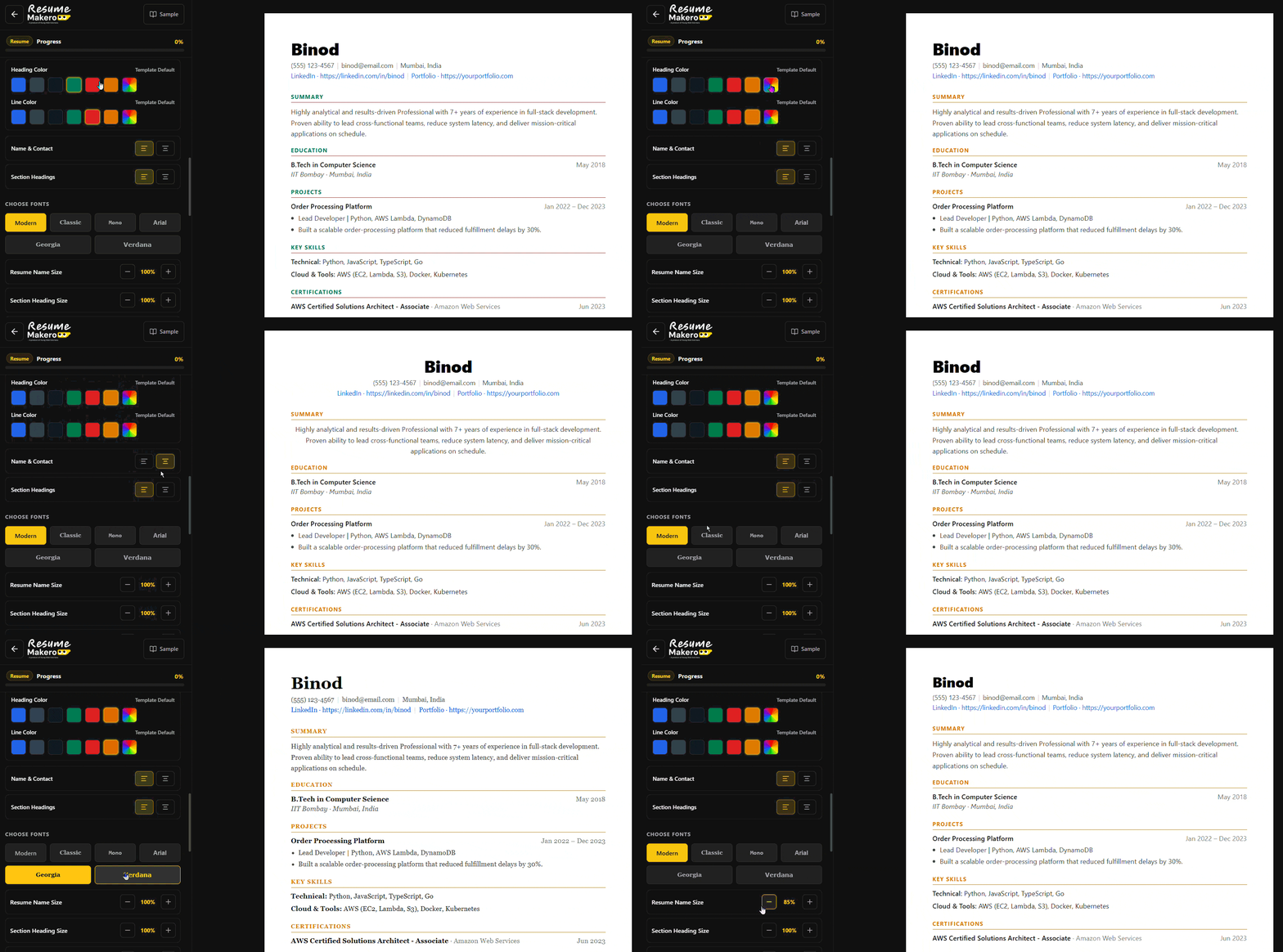
Free to Customize Fonts, Colors & Layouts with Ease
Personalize your resume with ATS-friendly font styles, heading colors, spacing controls, and layout adjustments. Fine-tune the look of your resume while keeping it clean, professional, and optimized for recruiters and Applicant Tracking Systems.
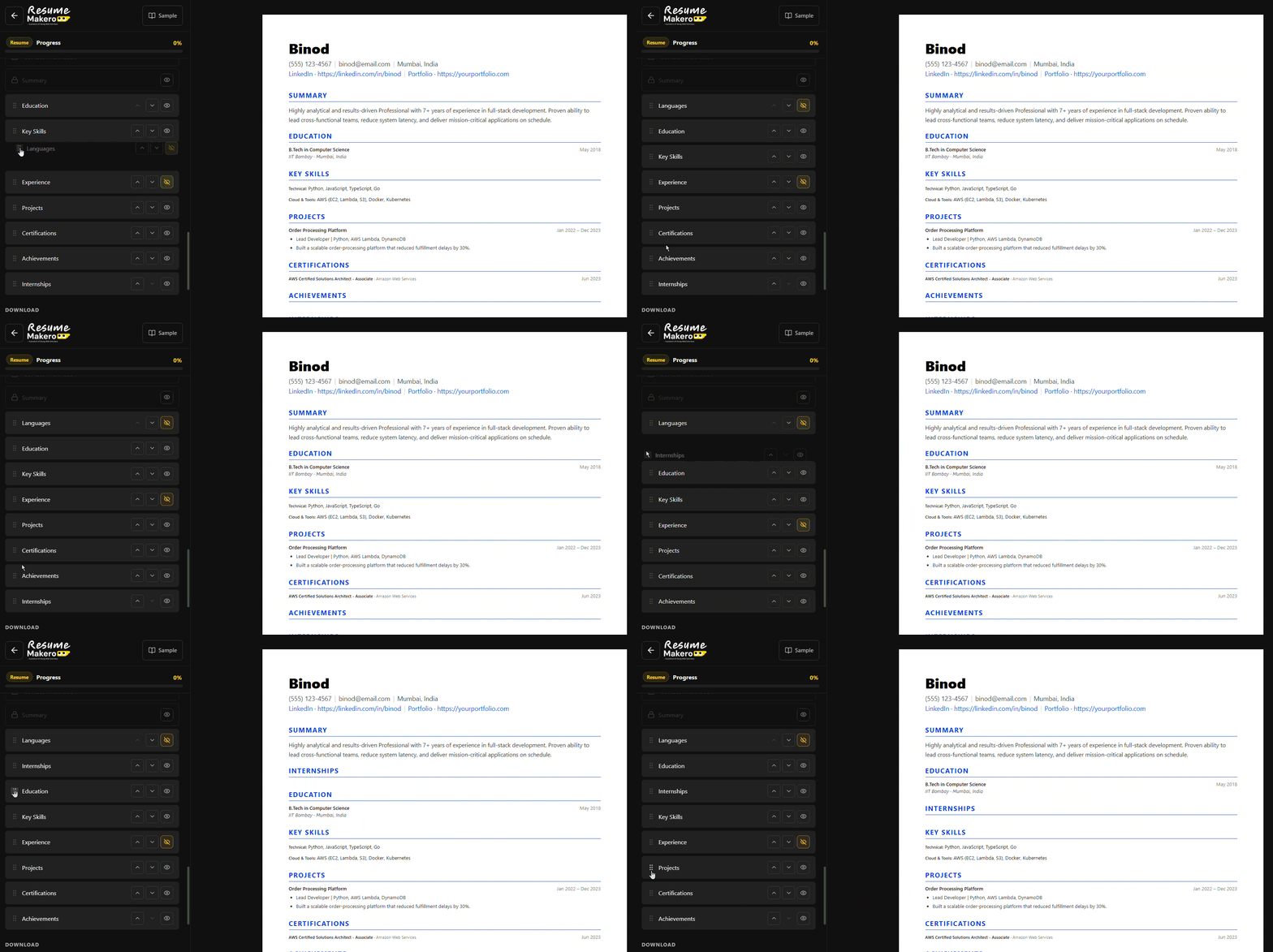
Reorder Resume & CV Sections Freely
Easily move sections up or down to highlight what matters most. Customize the order of your projects, skills, education, experience, certifications, and more to fit different roles and applications.
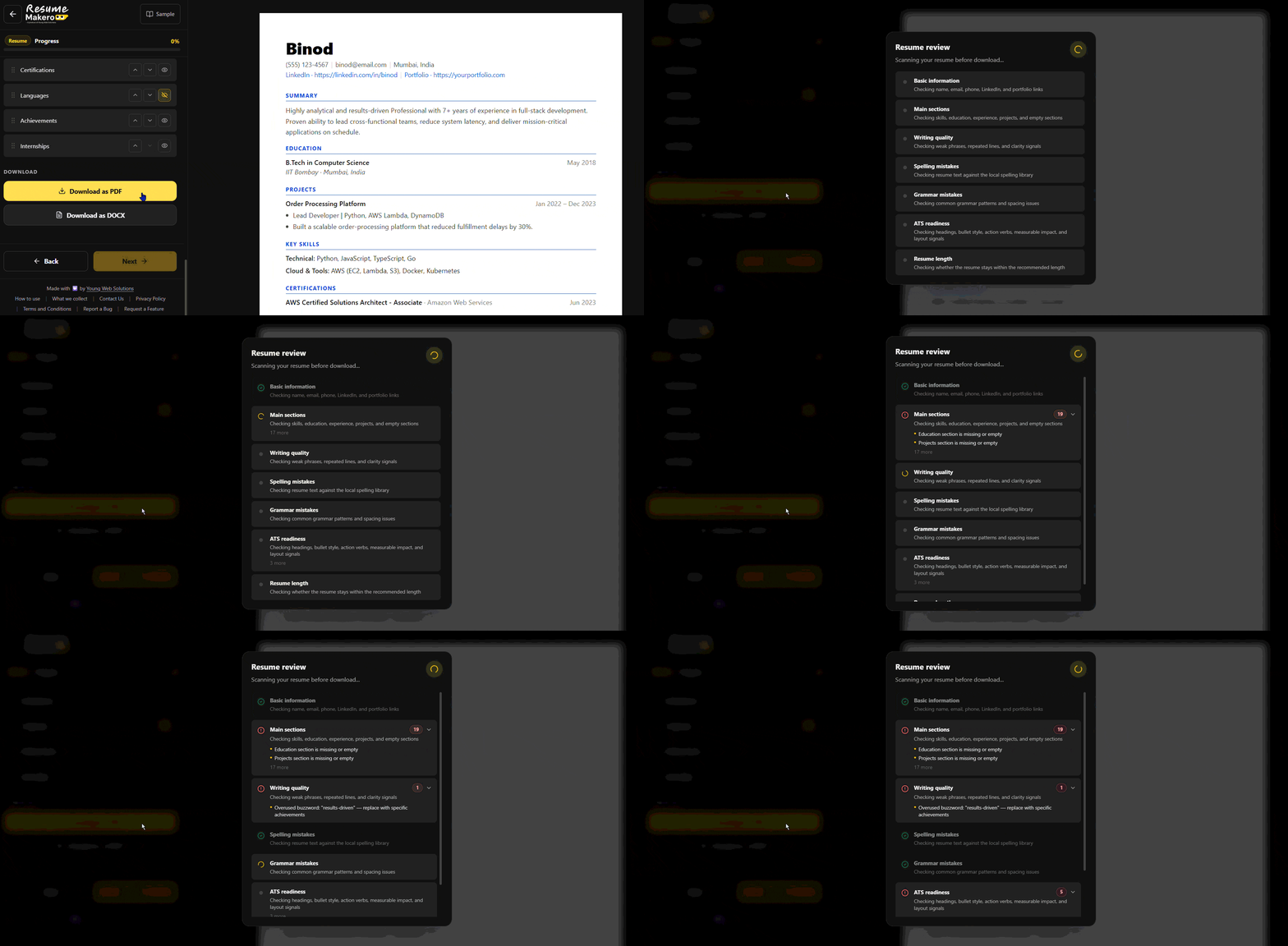
Check Your Resume, CV & Cover Letter Before Downloading
Review your resume, CV, or cover letter with instant ATS-focused checks for formatting issues, missing sections, weak wording, spelling mistakes, grammar problems, and overall document quality before downloading.
Free ATS Resume Builder, CV or Cover Letter for Students, Freshers & Professionals
Recruiters often spend less than 10 seconds reviewing a resume. Create ATS-friendly resumes, CVs, and cover letters designed to capture attention, highlight your strengths, and increase your chances of landing interviews.


ATS Friendly Resume, CV & Cover Letter Templates
Choose from professional ATS -optimised resume templatesfriendly resume, CV, and cover letter templates designed for students, freshers, interns, and professionals. Customize fonts, colors, spacing, and layouts, and use built-in sample documents as inspiration while creating your own. View ATS Templates


How Resume Makero Works

Watch the quick tutorial or follow the simple steps below to create your resume, CV or cover letter

Step 1: Choose What to Create
Choose whether you want to create a resume, CV or cover letter. Start with the document type that matches your job application, internship or professional role.

Step 2: Fill in Your Information
Fill in your contact details, education, skills, projects, experience and other important sections using the simple step by step editor. The builder is designed for students, freshers, interns and professionals.


Step 3: Download Your Document
Preview your resume, CV or cover letter before downloading. When everything looks good, download your document instantly in PDF or DOCX format for free.
Ready to Create Your Resume, CV or Cover Letter ?
Recruiters often review applications in just a few seconds. Build professional resumes, CVs & cover letters designed to make a strong first impression. Learn how to write ATS resume.
Resume Tips Career Knowledge & Resources
Subscribe to learn about new product features, the latest in technology, solutions, and updates.
Frequently Asked Questions
Everything you need to know about creating ATS-friendly resumes, CVs, and cover letters with Resume Makero.